Web App
The Tecton Web App provides a comprehensive web-based interface for managing and monitoring your feature store.
Access your Tecton cluster's Web App, via
https://<your Tecton instance prefix>.tecton.ai.
The interface is role-based, with different views and capabilities available depending on user permissions.
Common Tasks
Some common tasks available via the Web App:
- Get information and metadata about features/feature views
- Monitor Jobs/Materialization, View Logs
- View and Modify Access Controls and User Management
Inspect Features and Feature Views
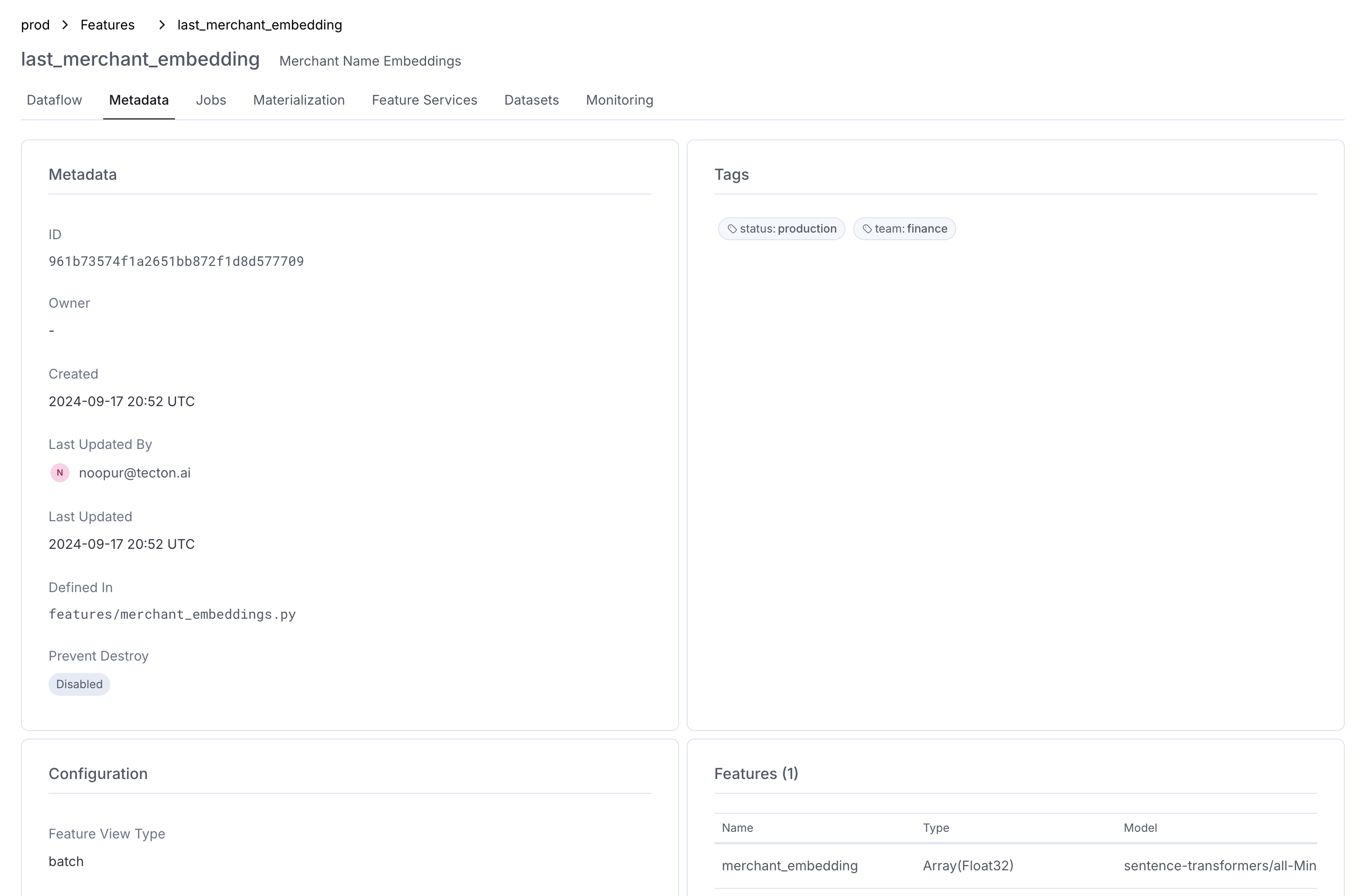
Quickly inspect feature definitions, metadata, and associated transformations.
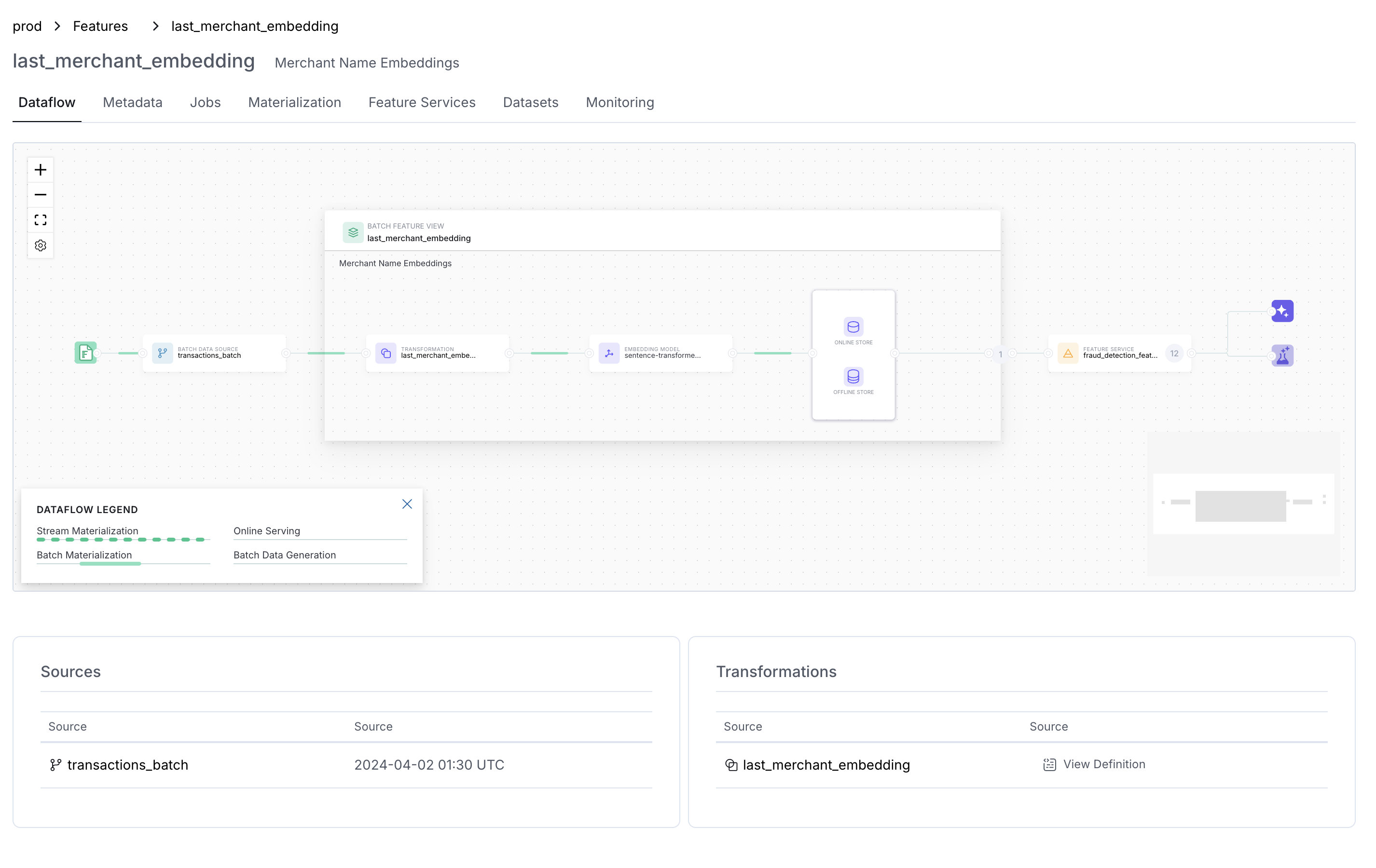
- Feature Dataflow
- Feature Detail
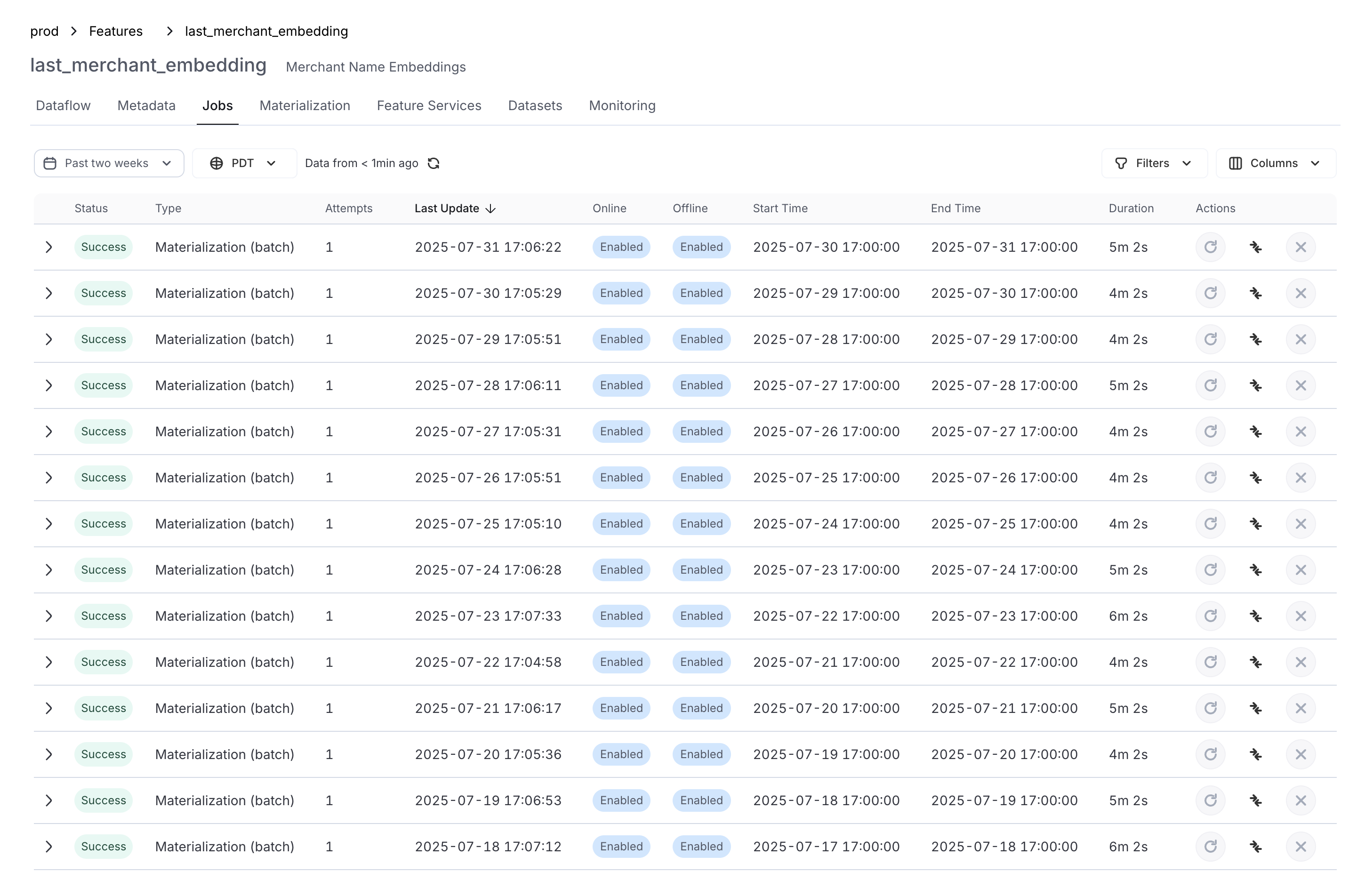
- Feature Jobs
The Dataflow diagram provides an end-to-end visualization of feature lineage, enabling users to understand data sources, feature pipeline dependencies, and production serving flows within their workspace. See Understanding the Dataflow Diagram for more information.
See the definitions for any Transformations associated with the Feature via the View Definition link.
Monitor Jobs and Materialization
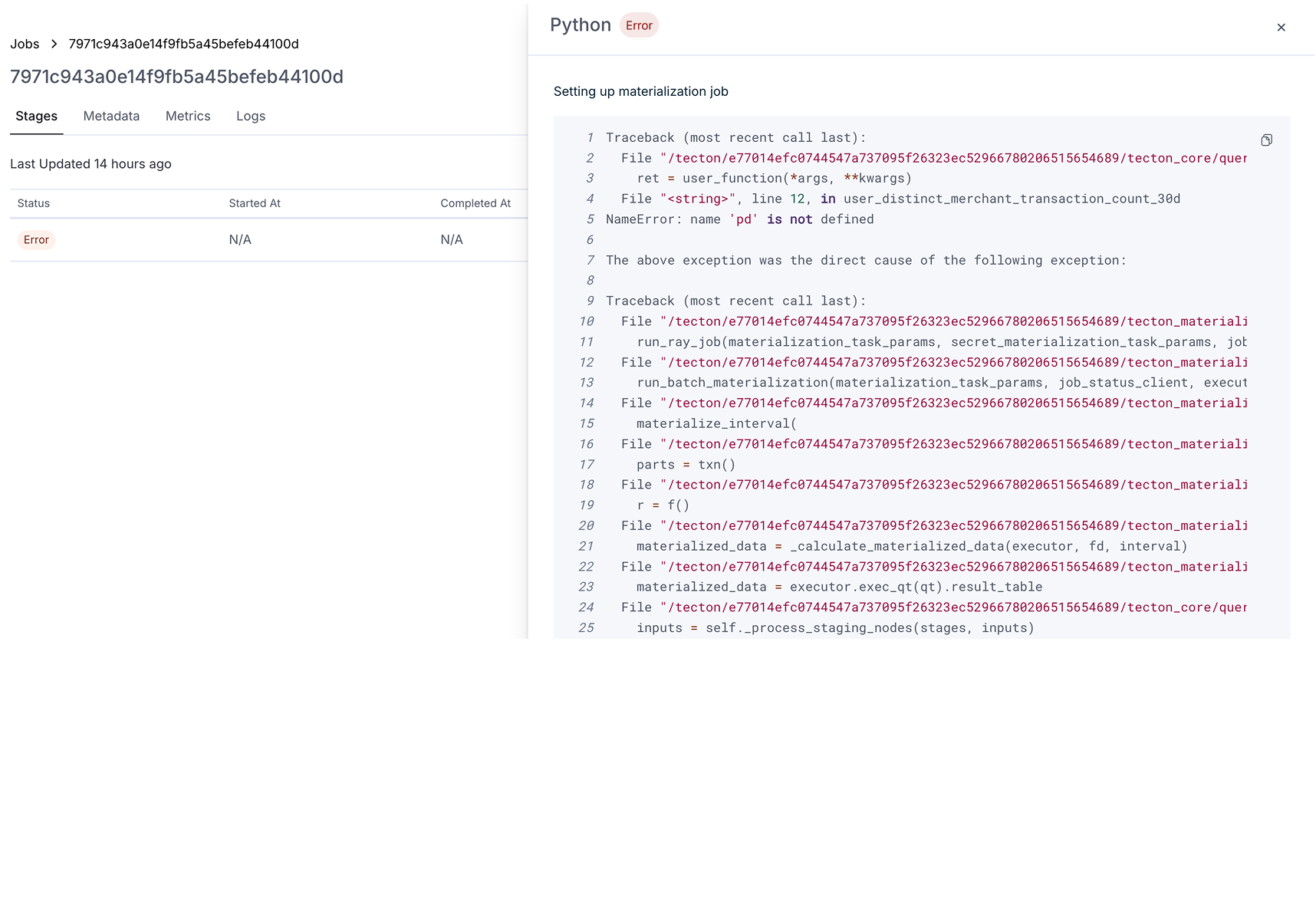
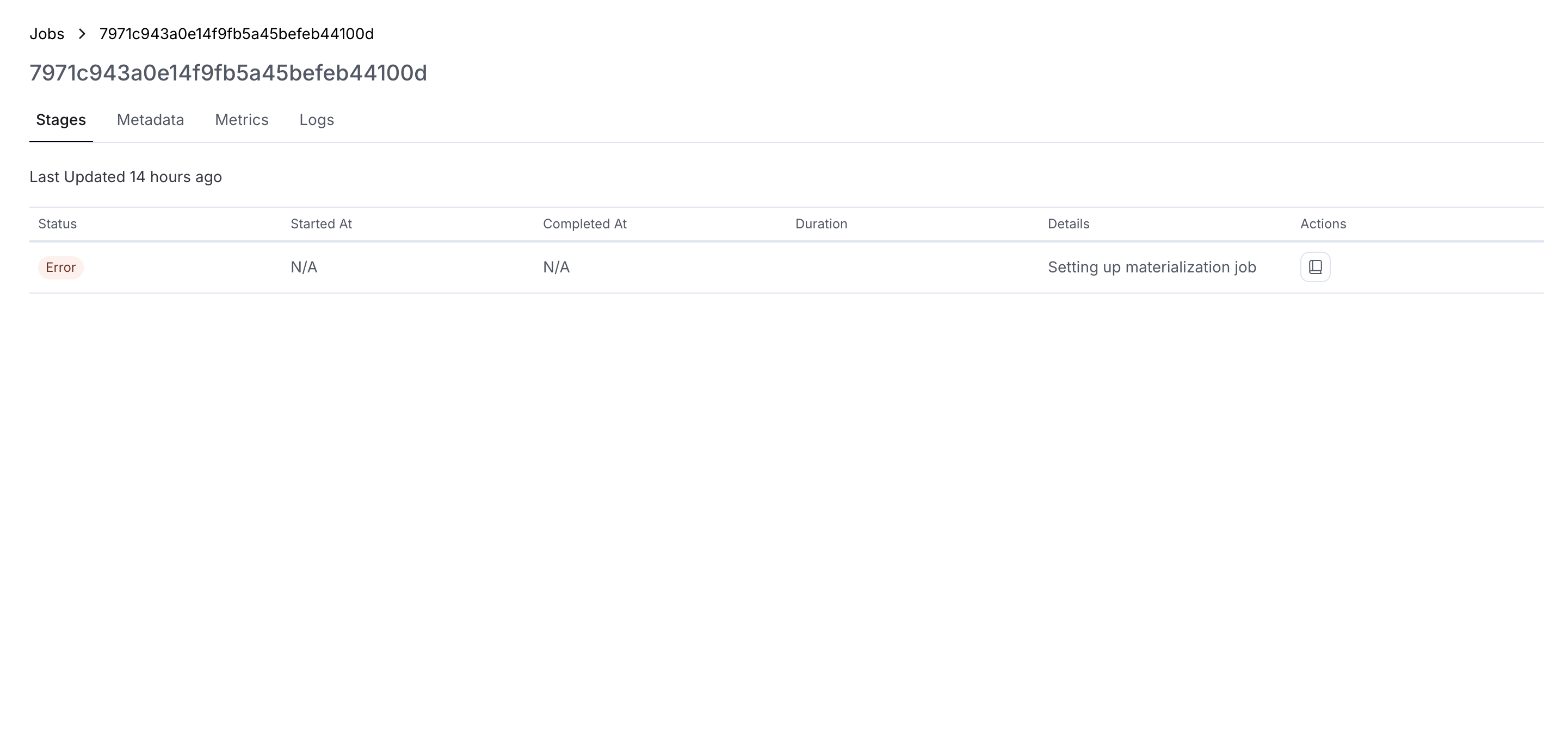
Check if materialization jobs are running successfully and view logs to help debug issues and failures.
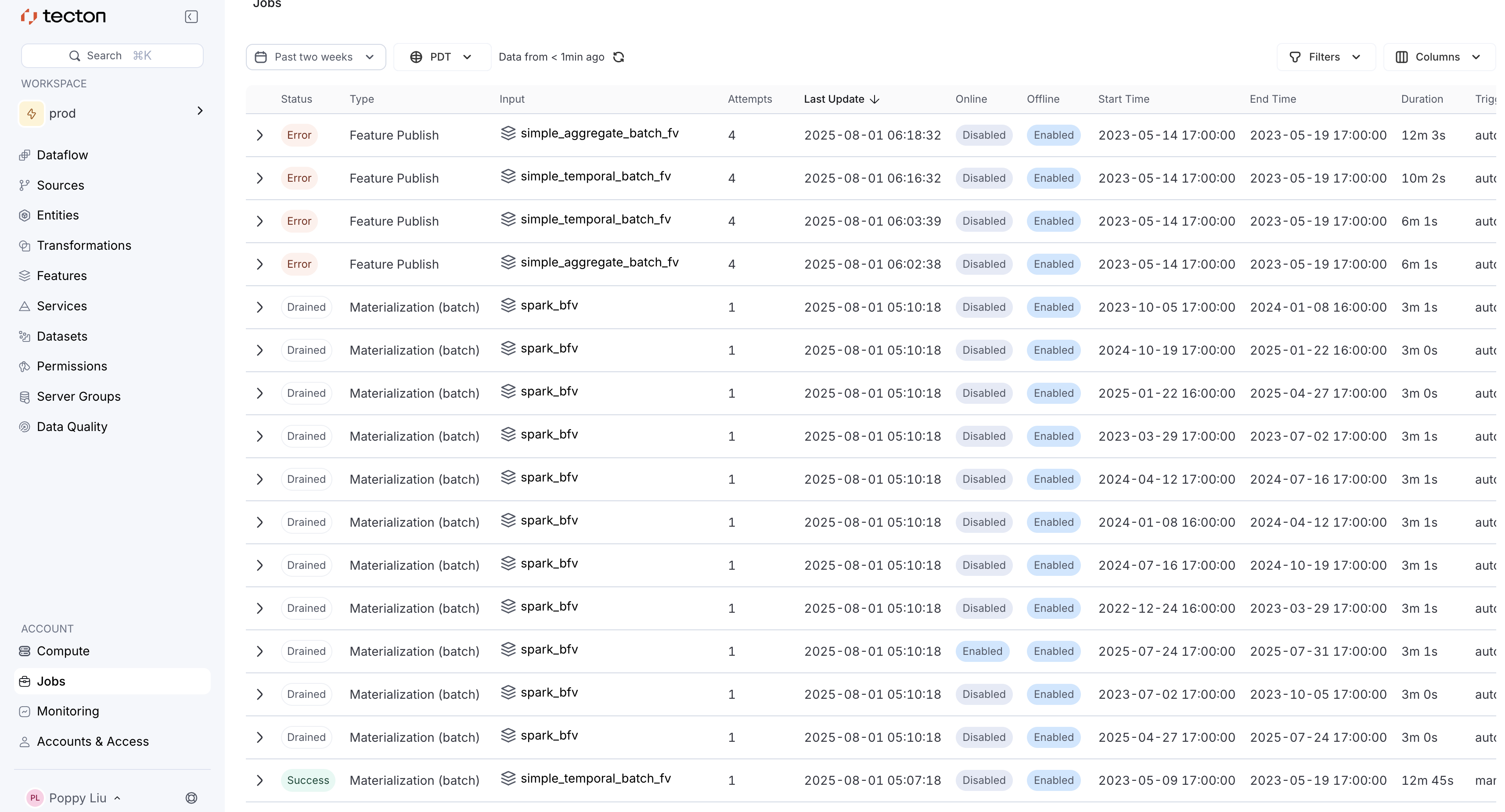
- Jobs Listing
- Job Log
- Job Detail
See an overview of jobs for the current workspace.
View Rift job logs directly in the UI. For Spark jobs, view the logs via links to Databricks or EMR.
View and Modify Access Controls and User Management
Configure Access Controls via the Permissions or Accounts & Access tab.
- Accounts and Access
- Permissions
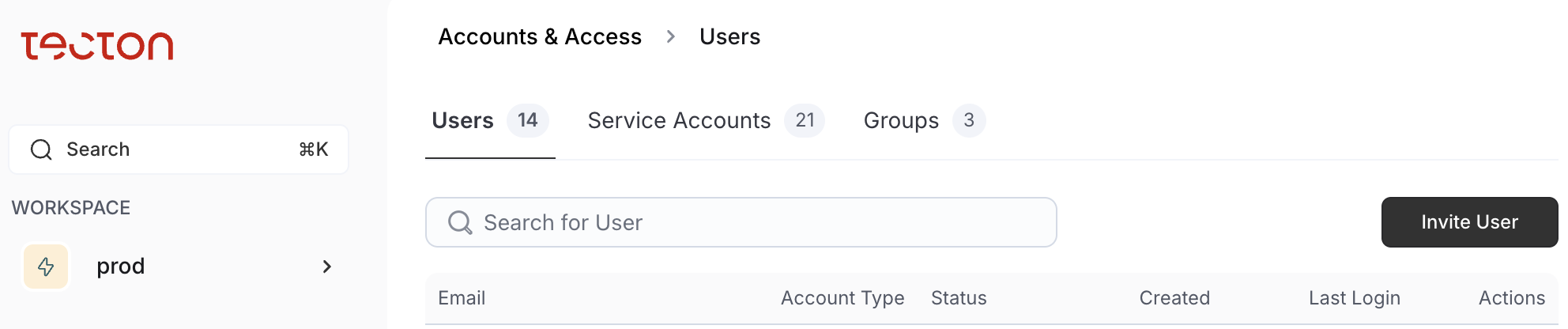
The Accounts & Access view allows you to configure access controls for any workspace. Additionally, you can configure user access to your Tecton instance and create Service Accounts.
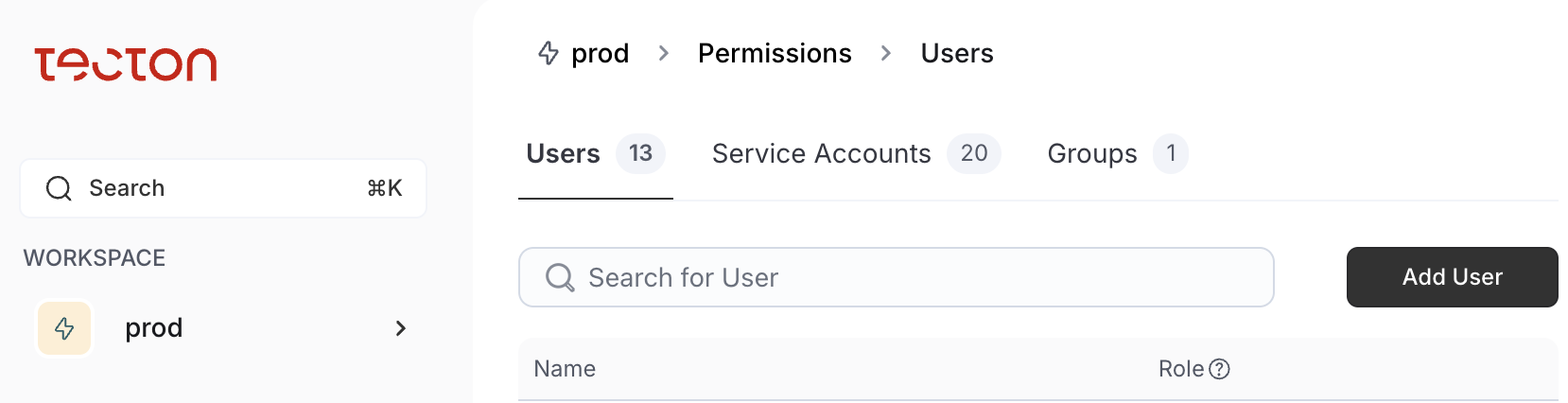
Use the Permissions view to configure access controls for a specific workspace.
For more information about how to manage Access Controls, including the Permissions view and the Accounts and Access view, see Configure Access Controls.
Additional Functionality
Also use the Web App to:
- View the Apply Log history of all commit hashes that were successfully applied to a workspace.
- Move between workspaces and browse/explore/search Tecton objects (such as Entities, Datasources, Transformations, etc.).